Best Browser for Anti-Fingerprinting: Three Approaches Compared
 Ethan Cole Published on September 22, 2026 · inGuides
 The best browser for anti-fingerprinting depends on the defence you want: Tor Browser and Mullvad Browser make users look identical, Brave randomizes values per site and session, and Firefox and Safari block known fingerprinting scripts. For personal privacy, uniformity is the strongest model; for separate work profiles, none of them is built for the job.
This guide compares the approaches rather than ranking products. Browser privacy features change with almost every release, so it is more useful to understand how each design works and what it protects against, then check the current settings yourself.
Three ways a browser can resist fingerprinting
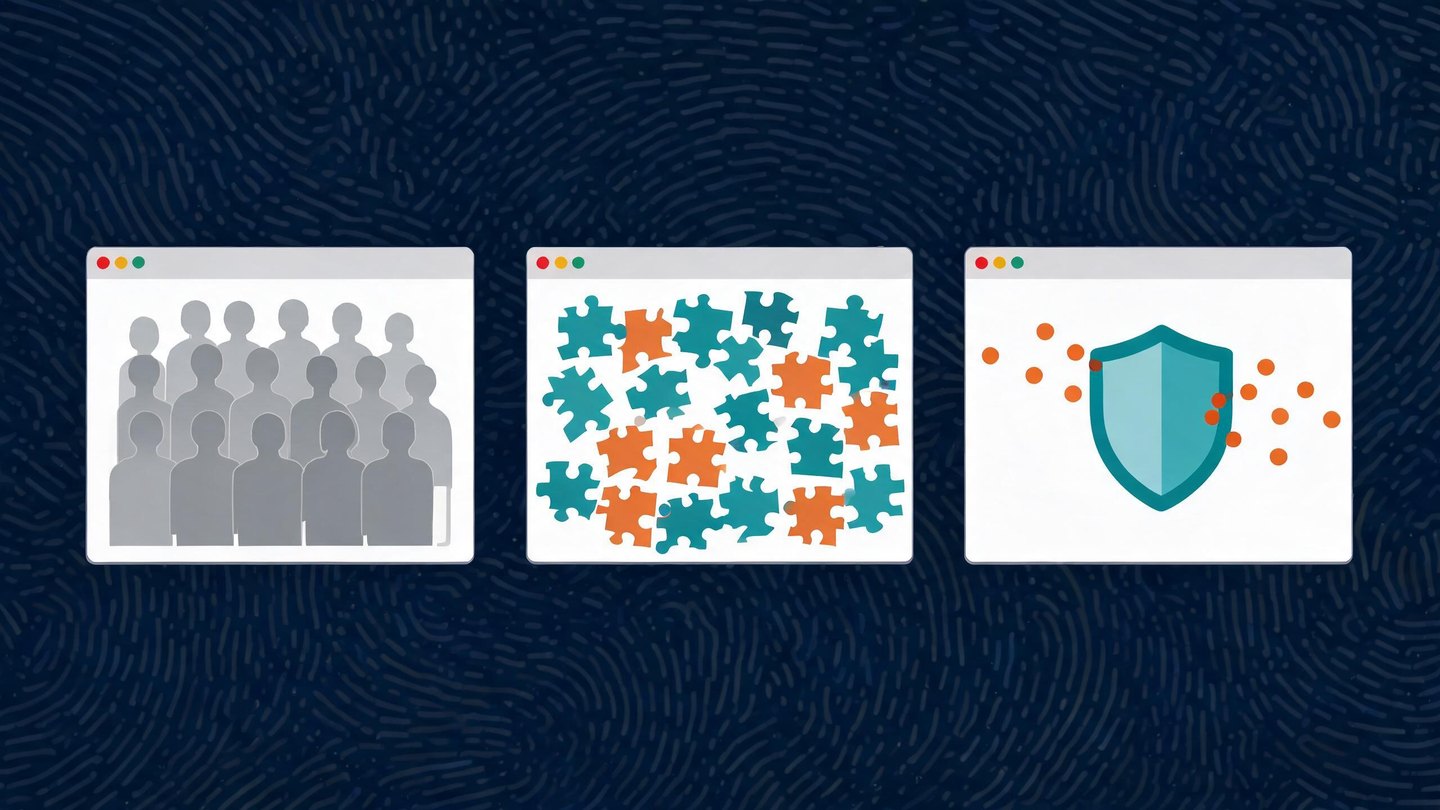
A fingerprint is a combination of many small values — screen size, fonts, graphics output, time zone, language, hardware hints and network-level traits (our breakdown of browser fingerprinting techniques covers each one). A browser can push back in three broad ways:
- Blend in (uniformity). Report the same values as every other user of the same browser, so the fingerprint identifies a large crowd instead of a person.
- Randomize (farbling). Add small, deliberate noise to values that fingerprinting scripts read, so the result changes from site to site and session to session and cannot be linked.
- Block and limit. Stop known fingerprinting scripts from loading, and reduce how much detail certain APIs return to any page.
Each approach has a different weakness, which is why "best" only makes sense once you know which one you are relying on.
How the main privacy browsers approach anti-fingerprinting
|
Browser |
Main approach |
What it is designed for |
|---|---|---|
|
Tor Browser |
Uniformity, plus the Tor network |
Anonymity against network and site-level tracking |
|
Mullvad Browser |
Uniformity, without the Tor network |
Tor Browser's fingerprint defences on a normal connection |
|
Brave |
Randomization per site and session |
Everyday browsing with reduced cross-site linking |
|
Firefox |
Blocking known fingerprinters, plus limiting exposed data |
Everyday browsing with default tracking protection |
|
Safari |
Blocking fingerprinting-heavy trackers, stripping tracking parameters |
Everyday browsing on Apple devices |
Tor Browser: make everyone look the same
Tor Browser is built on the idea that a large group of identical-looking users protects each individual. According to the Tor Project's documentation, it reduces the number of distinguishable "buckets" for each metric: all Windows users appear as Windows 10, other desktop systems are grouped together, and letterboxing adds margins so window sizes fall into a small number of standard sizes.
The Tor Project also explains that users cannot choose which operating system they appear to be, because any choice would make them more unique. The practical consequence: changing settings, resizing to unusual dimensions or adding extensions works against the design.
Mullvad Browser: Tor's defences on a normal connection
Mullvad Browser is developed together with the Tor Project, according to Mullvad. It applies similar fingerprint defences — including letterboxing and giving users similar fingerprints — but connects over your normal internet connection instead of the Tor network. Mullvad describes it as usable with or without a VPN, and notes that a VPN hides the IP address while the browser handles the fingerprint.
The same rule applies as with Tor Browser: the protection comes from looking like every other Mullvad Browser user, so customizing it reduces that protection.
Brave: randomize so sessions cannot be linked
Brave takes the opposite route. Its fingerprinting-protection documentation describes randomizing values returned by certain APIs, with the randomness derived from a seed that changes per session, per site and per storage area. Brave's reasoning is that fingerprinters hash many values together, so randomizing even one value changes the whole result.
The strength is that your fingerprint on one site does not match your fingerprint on another, or on the same site next session. The trade-off is that a randomized fingerprint can still be recognised as "a Brave browser with protections on", which is itself a signal.
Firefox: block known fingerprinters and limit exposed data
Firefox has blocked known tracking and fingerprinting scripts as part of Enhanced Tracking Protection for years. In November 2025 Mozilla announced additional fingerprinting protections that limit the information Firefox exposes to websites, rolled out first in Private Browsing and in Strict tracking-protection mode. Mozilla's blog states that these protections cut the share of users seen as unique by almost half, and that it plans to enable them more widely.
This is a block-and-limit model: it works against scripts on the blocklist and reduces detail from certain APIs, but a site running its own, unlisted fingerprinting code is handled by the limiting layer rather than by blocking.
Safari: protection aimed at fingerprinting-heavy trackers
Safari includes Advanced Tracking and Fingerprinting Protection. Apple's Safari user guide says it blocks connections to data collection companies that use advanced fingerprinting techniques and removes known tracking parameters from URLs. It is on by default in Private Browsing and can be turned on for all browsing in Safari's Advanced settings. Apple also notes that some website features may be affected when it is on.
Safari's protection is tied to Apple's operating systems, so it is only an option if you work on a Mac, iPhone or iPad.
How to choose the best browser for anti-fingerprinting
Instead of relying on a list, check these points against your own situation:
- Which model you need. Uniformity protects you best when you use the browser exactly as shipped. Randomization suits people who want a normal browsing experience with less cross-site linking. Blocking suits everyday use but depends on the blocklist.
- Whether you will customize it. Extensions, custom fonts and unusual window sizes all make a uniform browser less uniform.
- What the network reveals. No browser setting changes your IP address. Tor Browser routes traffic over the Tor network; every other option here leaves the network layer to you.
- Update cadence. Fingerprinting defences are maintained in code. A browser that falls behind on releases also falls behind on protections.
- Verify, do not assume. Run a fingerprint test before and after changing settings, and read the result correctly — our guide to the browser fingerprint test explains what a test can and cannot tell you.
On Android the choice has extra constraints, such as the system WebView and device-model consistency; see how to choose an anti-fingerprint browser for Android.
Privacy browsers vs anti-detect browsers: different jobs
Privacy browsers are designed to make one person harder to track. Advertising teams often search for anti-fingerprinting browsers for a different reason: they manage several ad accounts or client environments and need each one isolated, with its own storage, network path and a consistent fingerprint that stays the same every time the profile opens.
That job is a poor fit for the browsers above. Uniform browsers make every profile look identical, and randomizing browsers make the same profile look different on each visit — neither gives each account a stable, separate identity. That category of tool is covered in our explanation of fingerprint browsers and anti-detect browsers, and for Meta specifically in antidetect browsers for Facebook ads. Isolating browser environments only addresses the technical layer; it does not replace following each ad platform's policies.
FAQ
What is the best browser for anti-fingerprinting?
For personal privacy, a browser that makes users uniform — Tor Browser, or Mullvad Browser if you do not need the Tor network — offers the strongest design, provided you use it without customization. Brave, Firefox and Safari offer lighter protection that fits everyday browsing.
Is randomizing a fingerprint better than blending in?
They protect against different things. Randomizing stops sessions and sites from being linked together; blending in makes you indistinguishable within a large crowd. Neither changes your IP address.
Does a VPN stop browser fingerprinting?
No. A VPN changes IP-derived values only. The browser still reports the same fonts, screen, graphics output and settings, which is why Mullvad pairs its VPN with a separate privacy browser.
Can I use a privacy browser to manage several ad accounts?
It is not designed for that. Privacy browsers aim to make you anonymous or unlinkable, while multi-account work needs each profile to stay separate and consistent over time.